Experts have asserted that cybercriminals are hosting landing pages for a Microsoft phishing scam on the company's Sway platform.
Cybersecurity experts from Netskope Threat Labs discovered the assault in July 2024 after seeing a 2,000-fold rise in exploits.
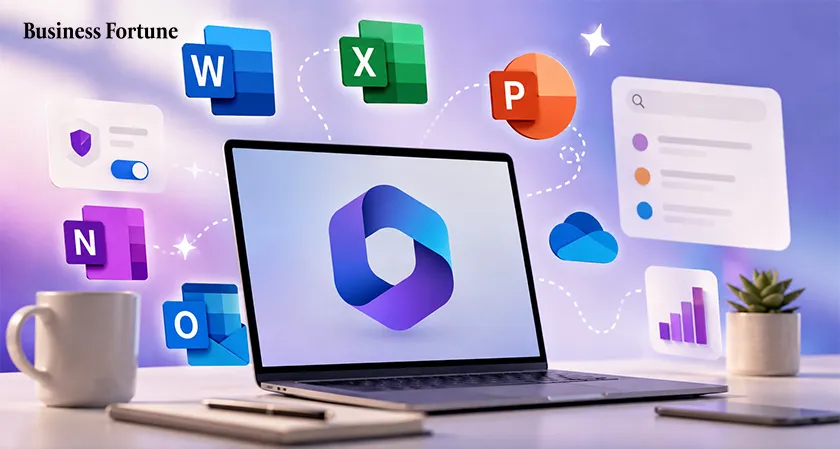
It's understandable that you are unaware of what Sway is. This cloud-based presentation and storytelling tool is a specialized Microsoft product that allows users to generate interactive reports, presentations, newsletters, and other content of a similar nature. It is accessible through a browser and is a component of the Microsoft Office suite and this tool has caused the Microsoft cybersecurity breach.
Unidentified threat actors created presentations using QR codes using Sway, according to research by Netskope. The victims were forwarded by this code to a phishing landing page that imitated the Microsoft 365 login page. Individuals who fall for the trick wind up disclosing their login information.
Hackers have already been seen utilizing QR codes in phishing operations. Because a QR code is typically an image file (.JPG), it can evade various email protection services because it cannot be inspected by antivirus software. Additionally, a smartphone is typically used to read a QR code because it is simpler to point the phone's camera at a QR code than a laptop. Smartphones also typically have fewer security features than desktops. For years, QR codes have been used by cybercriminals.
But this effort also makes use of a technique known as "transparent phishing." Using this technique, the victim essentially logs into the official website while simultaneously providing the thieves with the stolen credentials, which include MFA codes.
The majority of the victims are employed in the manufacturing, financial, and technological sectors and are based in Asia and North America.
The defense against cybercriminals' ever-evolving phishing tactics is to always be on the lookout for any incoming email message and to be wary of it, especially if it seems urgent.


.webp)