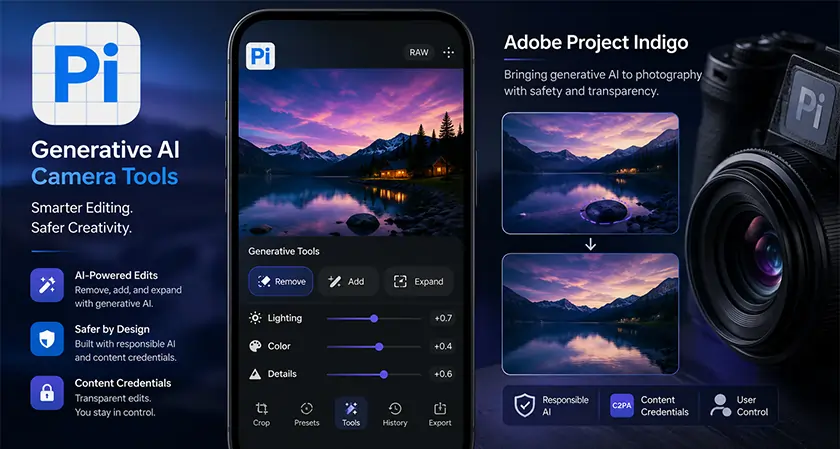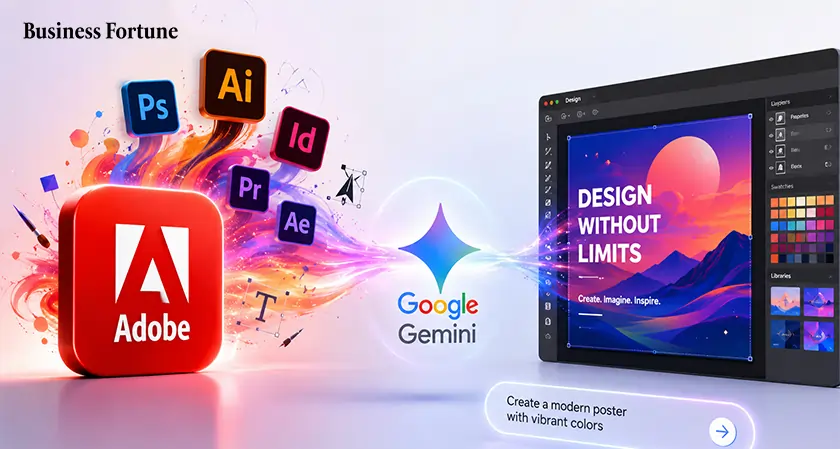
Adobe brings professional creative tools into Google Gemini through new AI Connector enabling users to create images, designs and videos instantly using simple natural language prompts.
Adobe is pushing deeper into AI-powered creation by bringing its professional creative systems directly into Google Gemini. Adobe comes to Google Gemini and the new integration is designed to let users describe what they want in plain language and get high-quality visuals, designs, and videos without switching apps or handling complex software steps.
The company announced that the “Adobe for creativity connector” will soon be available inside Gemini, allowing millions of users to access Adobe’s creative engine directly within the chat.
A single prompt to handle complex creative work
Adobe’s system is built on what it calls a creative agent. Instead of manually using different tools, users simply explain their idea, and the system decides how to execute it across apps.
The process works like this:
-
The user describes a creative goal in Gemini
-
Adobe’s backend selects the right tools and workflow
-
Adjustments like lighting, layout, or formatting are handled automatically
-
The system checks with the user before finalizing changes
-
This removes the need to jump between multiple apps for editing, designing, and exporting.
Why is Adobe betting on agentic creativity right now
Adobe says its goal is to bring professional tools wherever creativity happens, not just inside its own apps. The company has already launched its Firefly AI Assistant inside Adobe Firefly, which connects more than 60 tools across Creative Cloud.
It also introduced connectors in other AI platforms like Claude, and now Gemini becomes the next major expansion.
Adobe recently highlighted early use cases showing how creators already benefit:
-
A photographer transformed basic portraits into cinematic images using step-by-step AI guidance inside Firefly
-
A content creator generated multiple social media formats from one image without leaving Claude
-
These examples show how creative work becomes faster when tools handle repetitive steps.
What makes this different from traditional editing tools
The key shift is control without complexity. Users keep creative direction, while Adobe’s system manages execution in the background.
This means:
-
Less time switching between apps like Adobe Photoshop, Adobe Illustrator, and Adobe Premiere Pro
-
Faster production of multiple formats like social posts, ads, and videos
-
Fewer manual adjustments for repetitive tasks
Adobe also confirmed that Premiere mobile will launch on Android, bringing editing templates and direct publishing tools for creators working on the move. The biggest shift is how ideas move to finished output. Instead of treating software as separate tools, the workflow becomes conversational. A business owner could draft a campaign idea in Gemini and instantly generate product mockups, social posts, and video variations. All of it happens in one place.
Where is creative AI heading next
Adobe’s move shows where things are headed. Creative tools are designed not as helpers in the background, they can now manage whole workflows on their own. As more features arrive in Gemini and Creative Cloud, it’s becoming much faster to turn an idea into a finished result. As Business Fortune observes, creating content is shifting from manually using different tools to just explaining what you want and letting the system do the work.


.webp)